


REPORTS AND INSIGHTS · FLEET ENABLE SOLUTIONS
Every Stop Earns Something.
Reporting Shows You
Exactly What
e.
Fleet Enable turns completed work into numbers you can act on. Accessorials charged, invoices raised, free time remaining, on-time performance by shipper account, all built from the same live data your dispatch and billing already run on.
The Answer To Every Money Question
Is Already Inside The Operation
.

Traditional Process
Accessorials calculated at the stop and carried onto the invoice
Free time and detention tracked live against every container
Revenue visible by route, shipper account, and service level
On-time and service performance reported per shipper account
Open invoices, credit memos, and credit exposure in a single view
How It works
Numbers come from finished work, checked as they land, ready the moment someone asks.

01
Written at the Stop
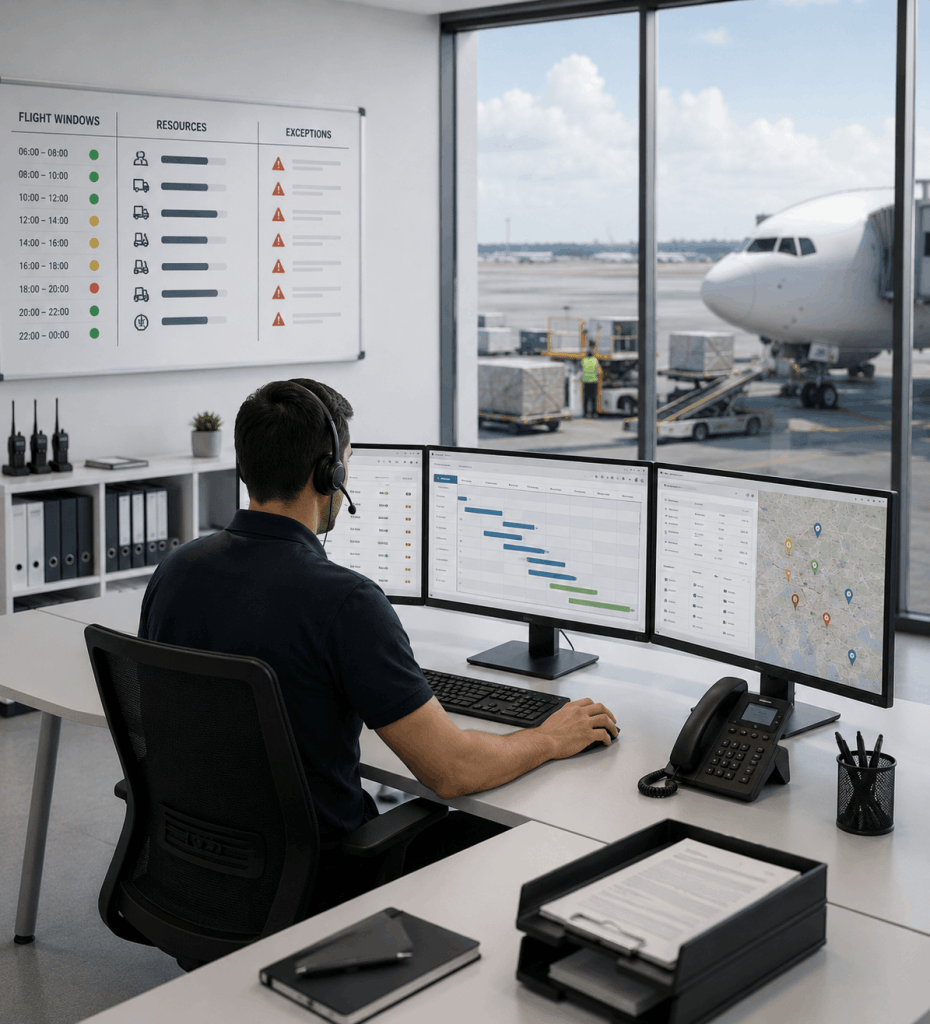
Proof of delivery, service time, waiting time, and every accessorial the driver records land in the same system that raises the invoice. The number on the report and the number on the bill come from one source.
02
Charges Matched to Work
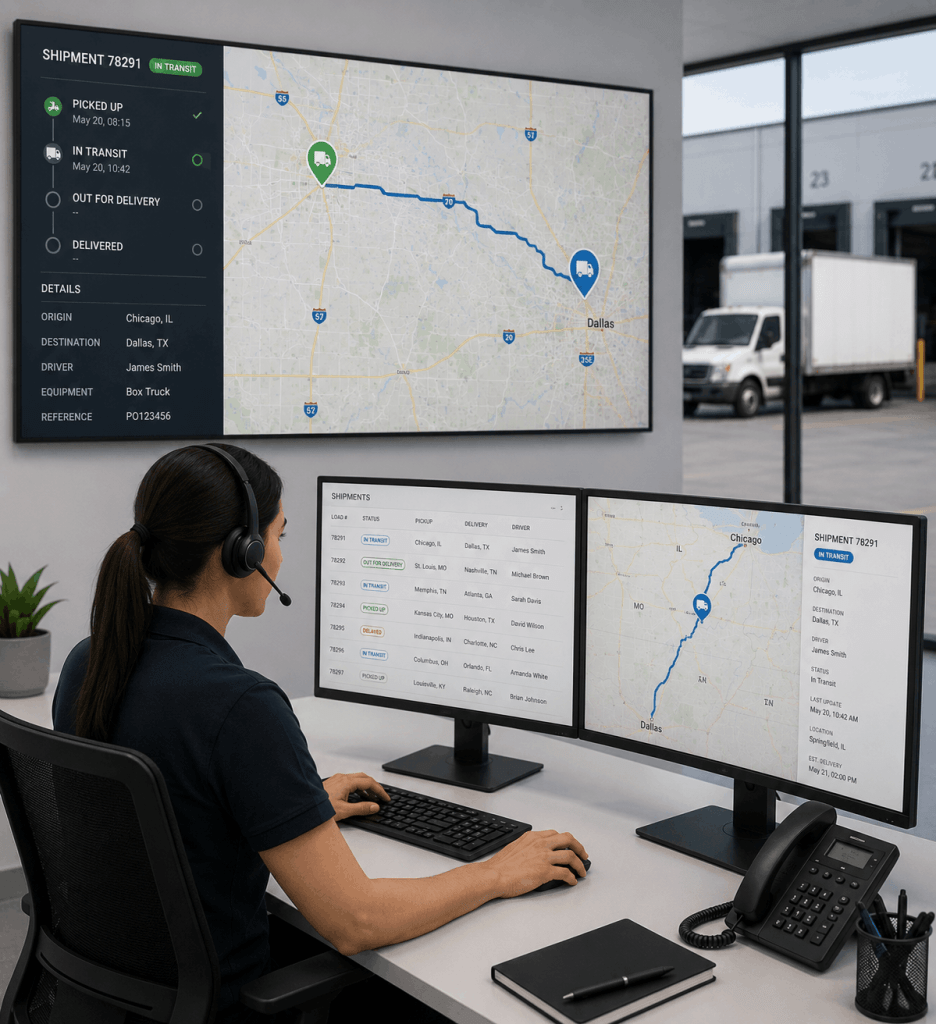
Detention, waiting time, lift gate, inside delivery, second attempt. Each one is priced against the contract for that shipper and confirmed before it moves to billing, so what was performed is what gets charged.
03
Performance by Account
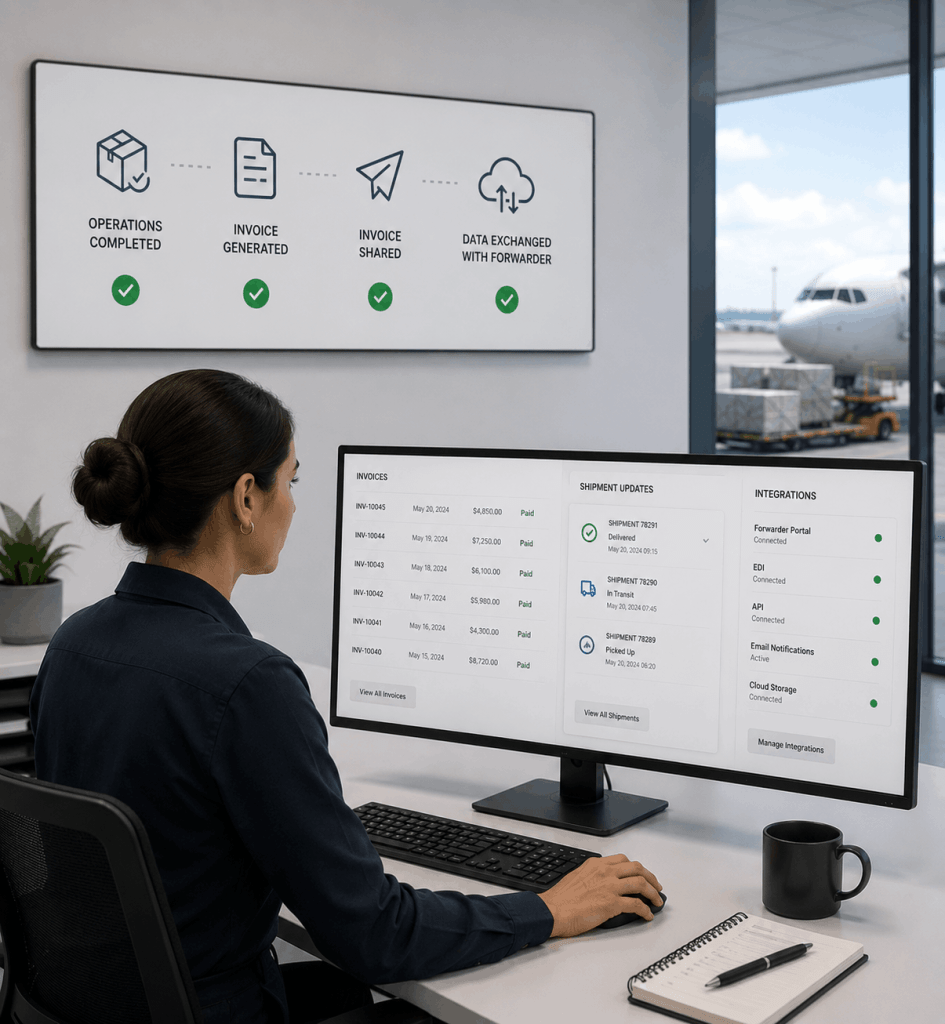
On-time rates, service time compliance, exception frequency, and revenue, all viewable per shipper account. The conversation at renewal starts with your numbers rather than theirs.
04
Answers You Can Send
Export a performance summary for a shipper, an accessorial breakdown for your biller, or a receivables position for the bank. Built once, shared as-is, no rebuilding for each audience.
Frequently Asked Questions
What is carrier reporting software?
Carrier reporting software turns completed delivery and billing activity into measurable records: what was delivered, what was charged, what is still owed, and how each shipper account is performing against its service terms.
Which reports does Fleet Enable include?
Reporting spans the full order-to-cash cycle: order and delivery activity, accessorial capture, free time and demurrage exposure, invoicing and receivables, credit limits, and on-time performance by shipper account.
Can I see how a shipper account is performing?
Yes. On-time rates, service time compliance, exception frequency, and revenue are reported per account, which gives you evidence to bring into a rate conversation or a renewal.
How do carriers keep track of accessorial charges?
Accessorials are recorded at the stop by the driver, priced against that shipper’s agreed terms, and carried straight onto the invoice, so the charge and the work that created it stay connected.
Can reports be exported or shared outside the platform?
Yes. Reports can be exported for internal review, shared with a shipper, or passed to your accounting system alongside the invoice data they relate to.

Deliver Better With Fleet Enable
Join the carriers who have turned their final-mile operation into their greatest competitive advantage.