


DELIVERY MANAGEMENT SOFTWARE · FLEET ENABLE SOLUTIONS
Every Delivery, Executed To That Shipper’s Standard
One account needs photos and a temperature log. Another needs the item placed in a specific room. A third needs a signature from a consignee. Fleet Enable carries each account’s requirements to the driver at the door, and brings back the proof.
Every Job Carries Its Own Delivery Requirements. The Person At The Door Already Has Them

Traditional Process
Account requirements attached to every stop
Crews and equipment matched to the job
Proof captured before the crew leaves the door
Exceptions logged and routed as they happen
Delivery status updates without a phone call
How It Works
The requirements reach the driver, the delivery gets executed to them, and the proof comes back attached to the order.
01
The Job Arrives Briefed
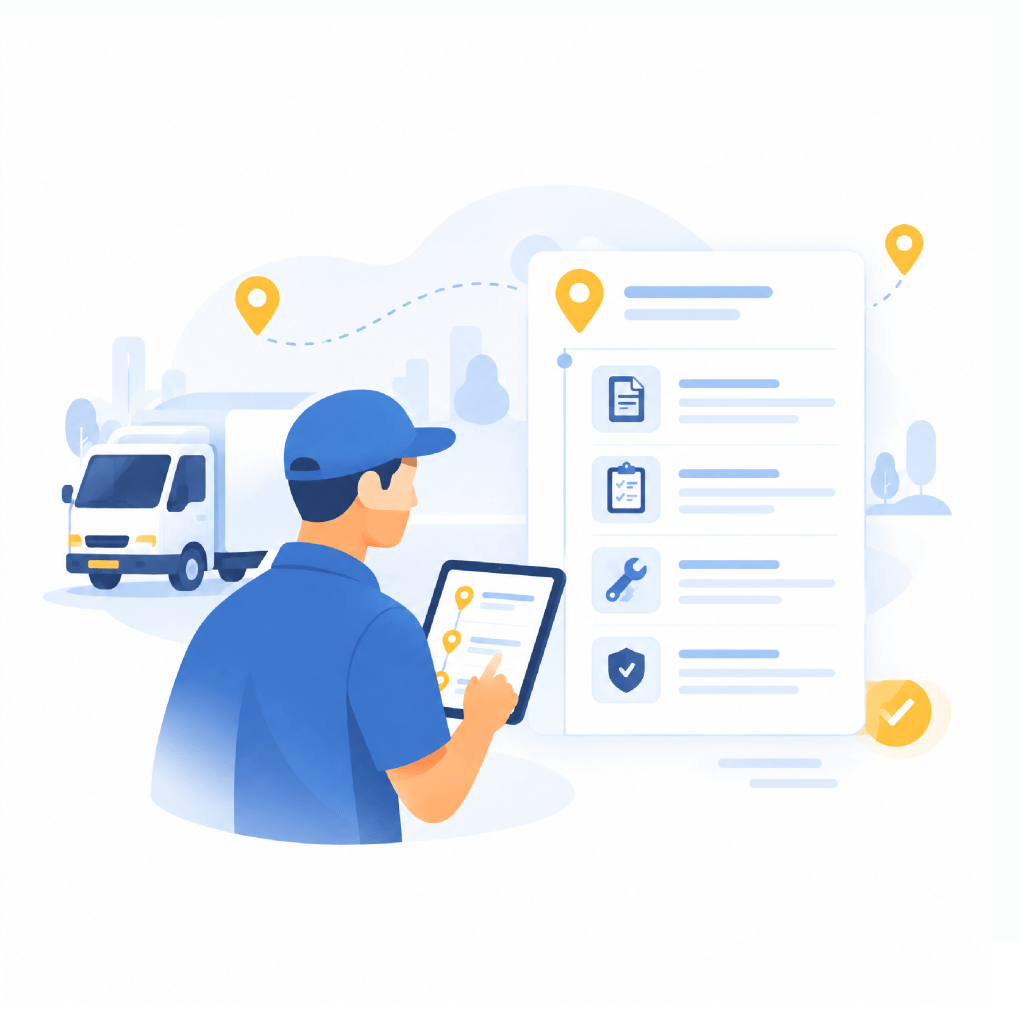
Each stop carries its account’s requirements, documentation, service instructions, and any protocol that shipper expects. The driver sees what the job needs before arriving, not after.
02
Matched to What It Needs
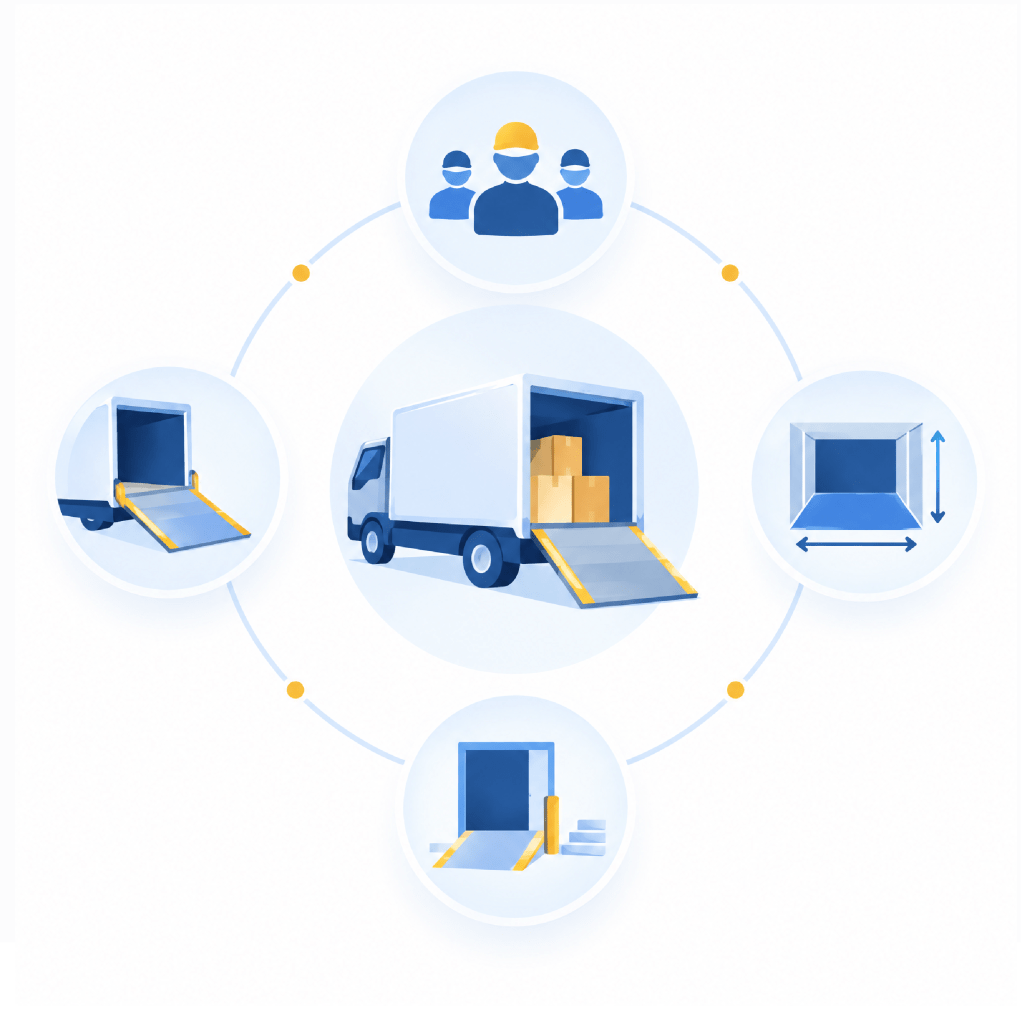
Crew size, lift gate, floor space, and access requirements factor into the assignment, so the delivery arrives with the right people and the right vehicle for the work.
03
The Exception, Handled
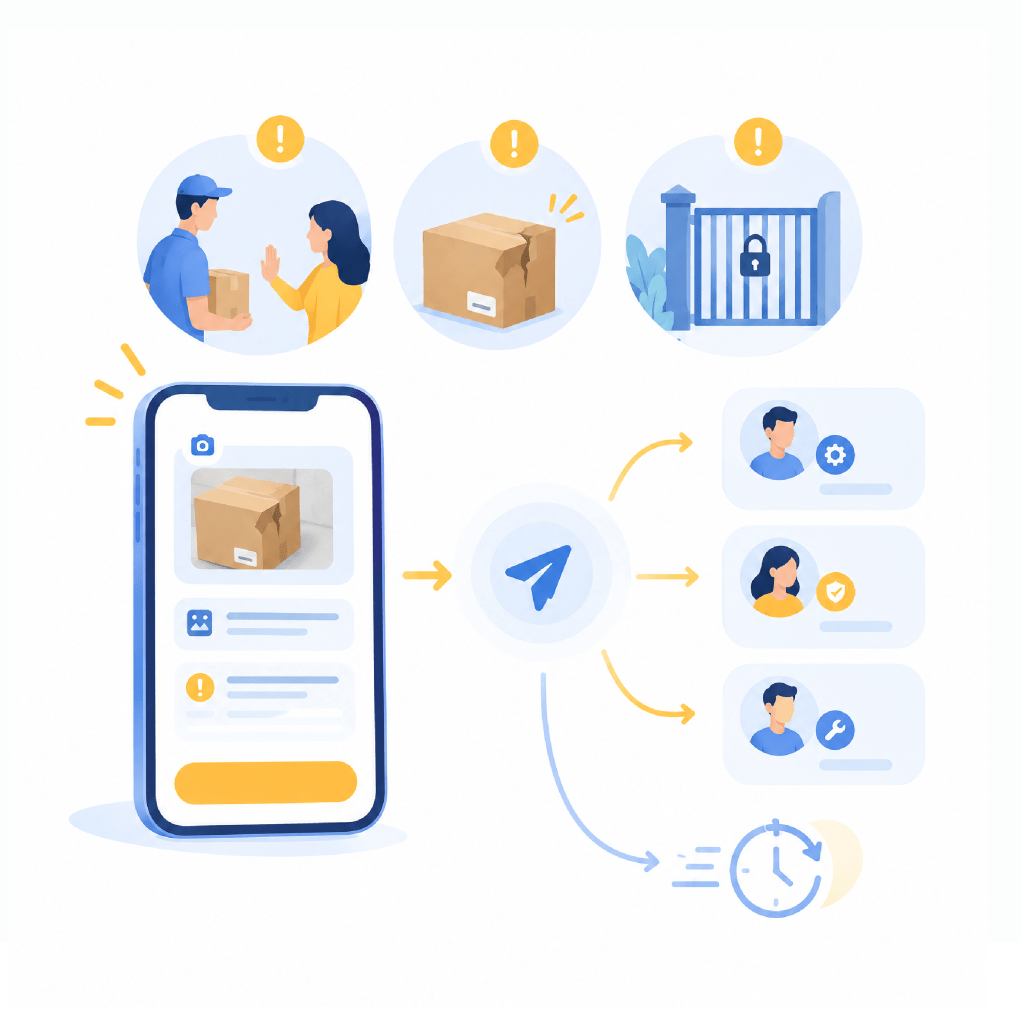
A refusal, a damaged item, a locked gate. Logged in the app with photos and reason at the moment it happens, routed straight to whoever resolves it, so recovery starts the same day.
04
Closed With Evidence
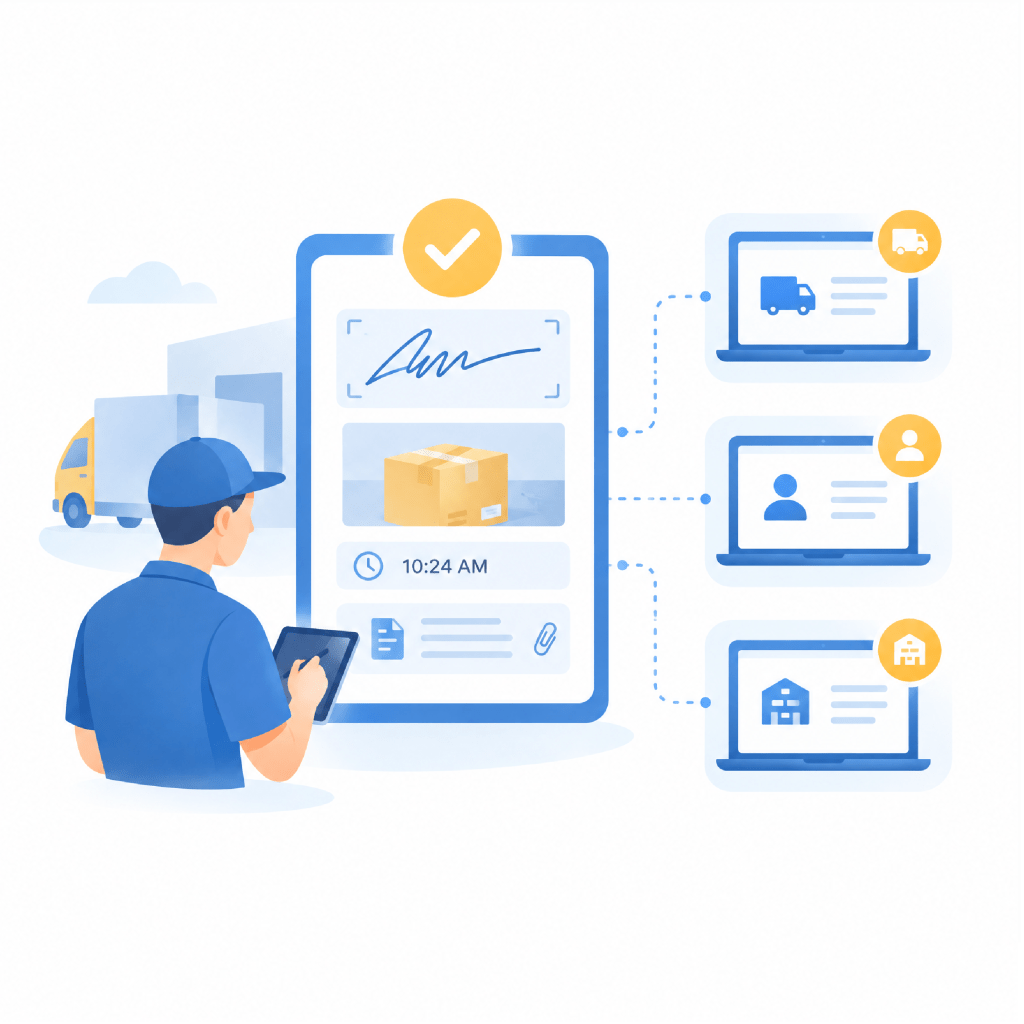
Signature, photographs, timestamps, and any account-required form attached to the order as the stop closes. Dispatch, the shipper portal, and the consignee update at the same time.
Frequently Asked Questions
What is delivery management software?
Delivery management software carries each order's delivery requirements to the driver, captures proof and exceptions at the stop, and updates status automatically as the delivery closes, so the office has the record without asking for it.
Can delivery requirements differ by shipper?
Yes. Each account carries its own documentation, service, and protocol requirements. Those apply automatically to every order from that account and reach the driver as part of the job.
How does Fleet Enable handle a refused delivery?
The driver logs the refusal in the app with photos and the reason at the moment it happens. It routes immediately to the person who resolves it, so the recovery is underway the same day rather than the next morning.
What proof of delivery does Fleet Enable capture?
Signature, photographs, timestamps, and any forms that account requires, all attached to the order and retrievable later by order number, house air waybill, or master air waybill.
Does Fleet Enable support deliveries needing more than one person?
Yes. Crew size is part of the assignment, so jobs requiring two people are dispatched as a unit with the vehicle and equipment the delivery calls for.

Deliver Better With Fleet Enable
Join the carriers who have turned their final-mile operation into their greatest competitive advantage.