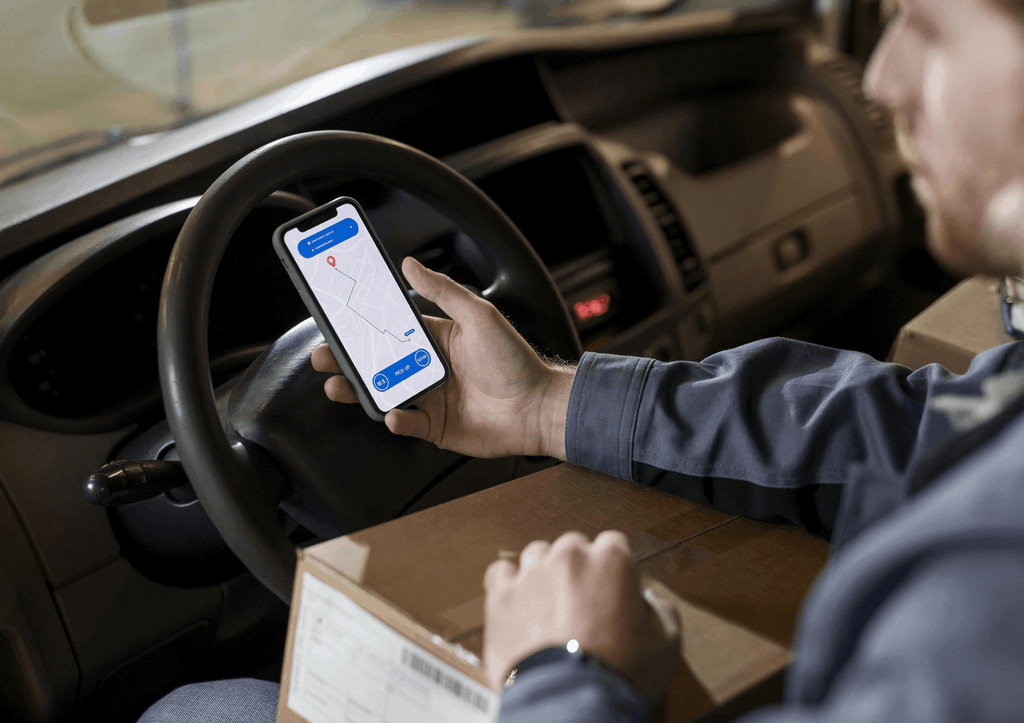
DRIVER APP · FLEET ENABLE TMS
The Software Your Drivers Will Actually Open
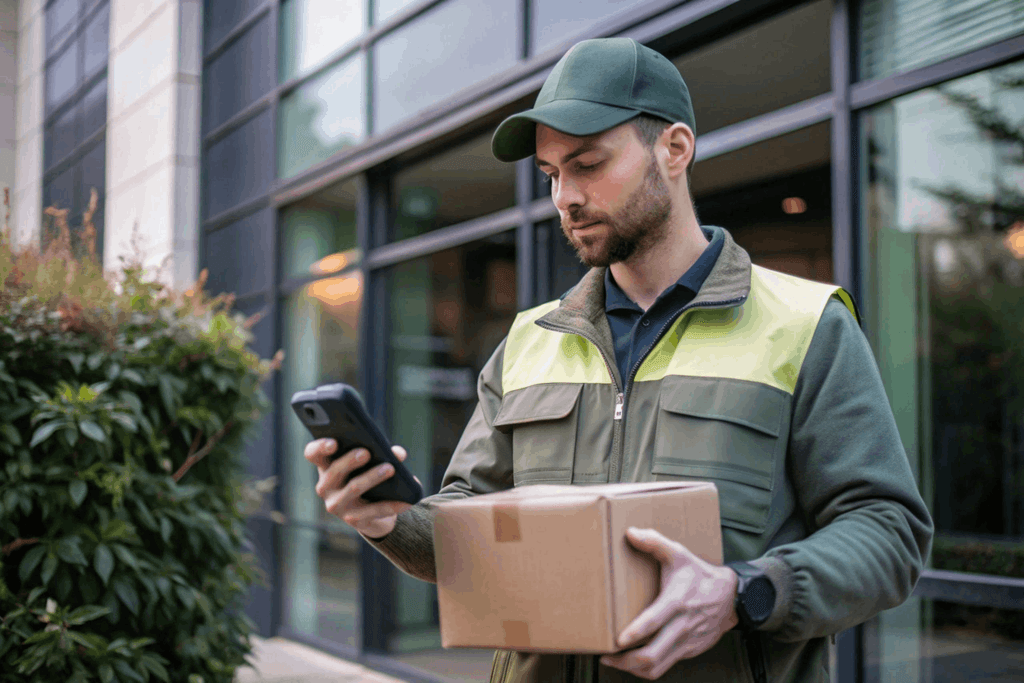
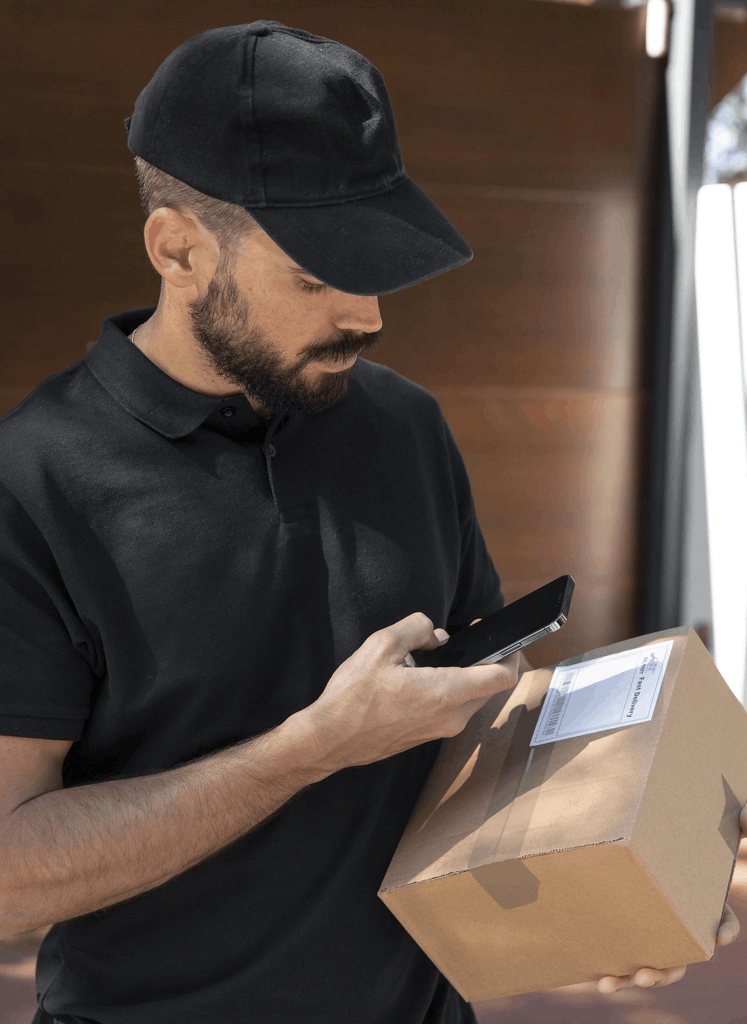
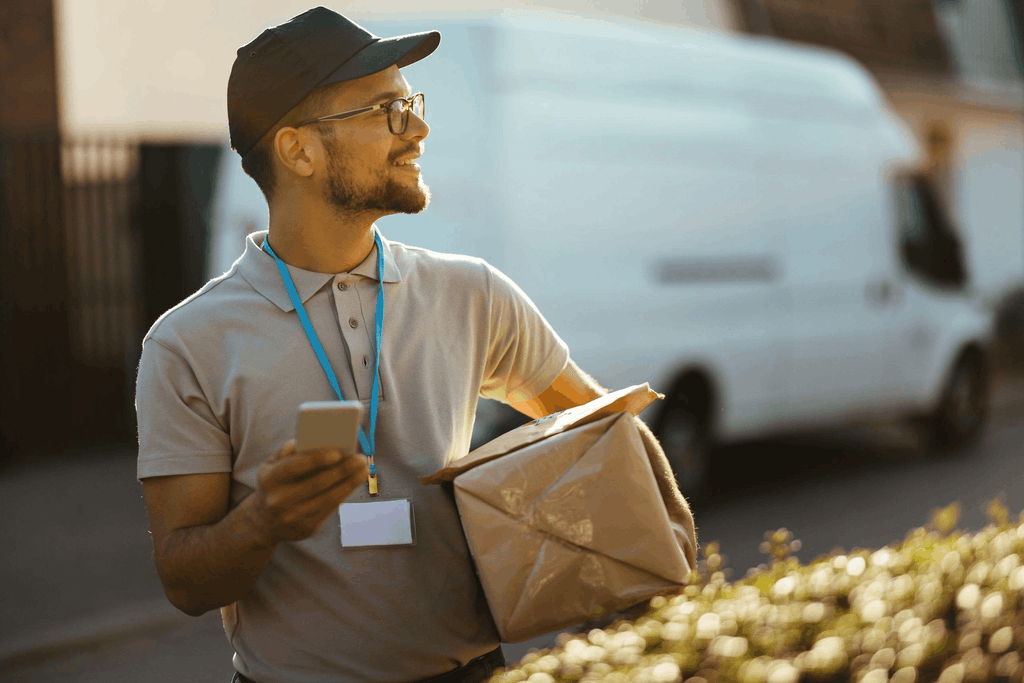
Navigation, proof of delivery, forms, and exceptions, all in one app, built for someone standing at a door in the rain with a package under one arm. If the driver can’t use it easily, the rest of the platform doesn’t matter.
Adoption Is Decided by the Person Holding the Phone
A carrier can pick the right platform, configure it properly, and still have the whole thing stall because the people holding the phone will not use it. Drivers do not raise objections in a meeting. They work around the app, call dispatch instead, and the operation quietly reverts to how it ran before.
That risk is worse in a workforce with the turnover this industry carries. Every new driver needs to learn the job. Your app shouldn’t make that harder.
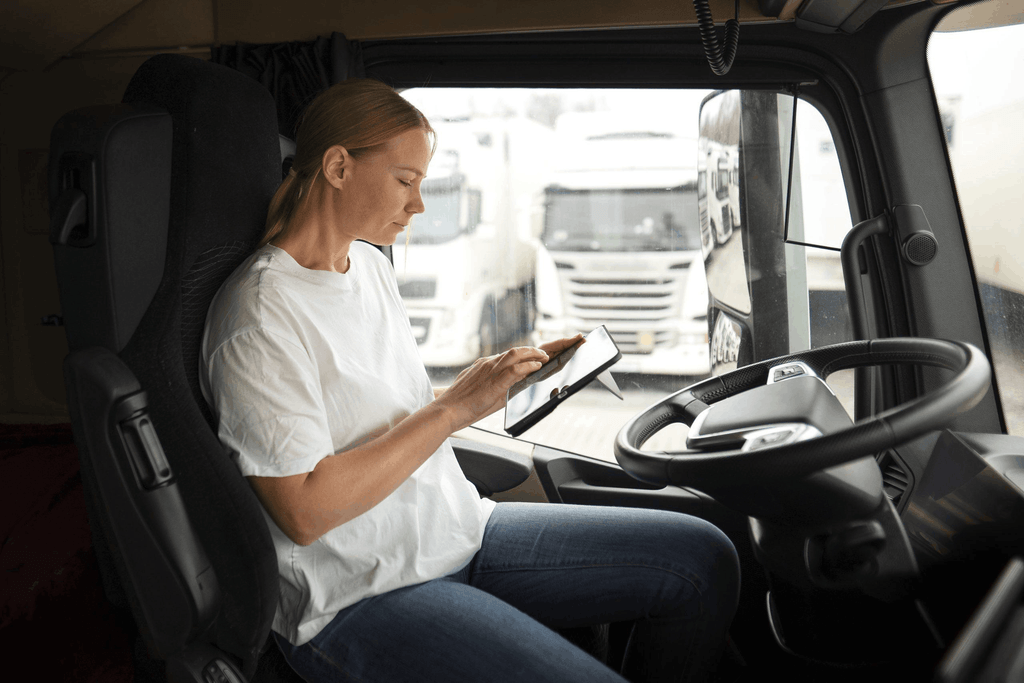
Fleet Enable’s app is built for that reality: one app rather than five, guided workflows instead of remembered ones, and simple enough that a driver on their first morning is not being taught software.
Everything the Driver Needs, in One Place
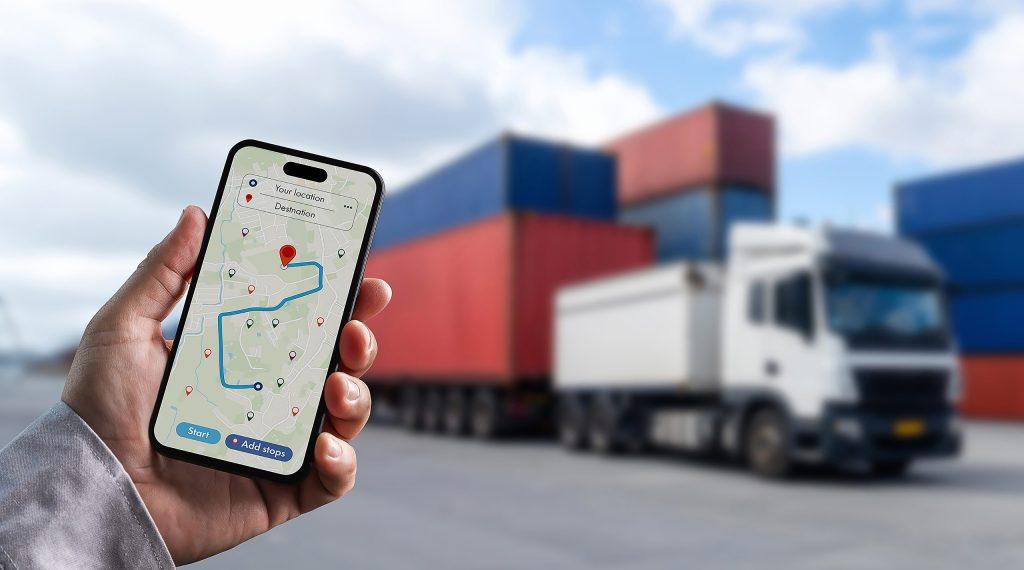
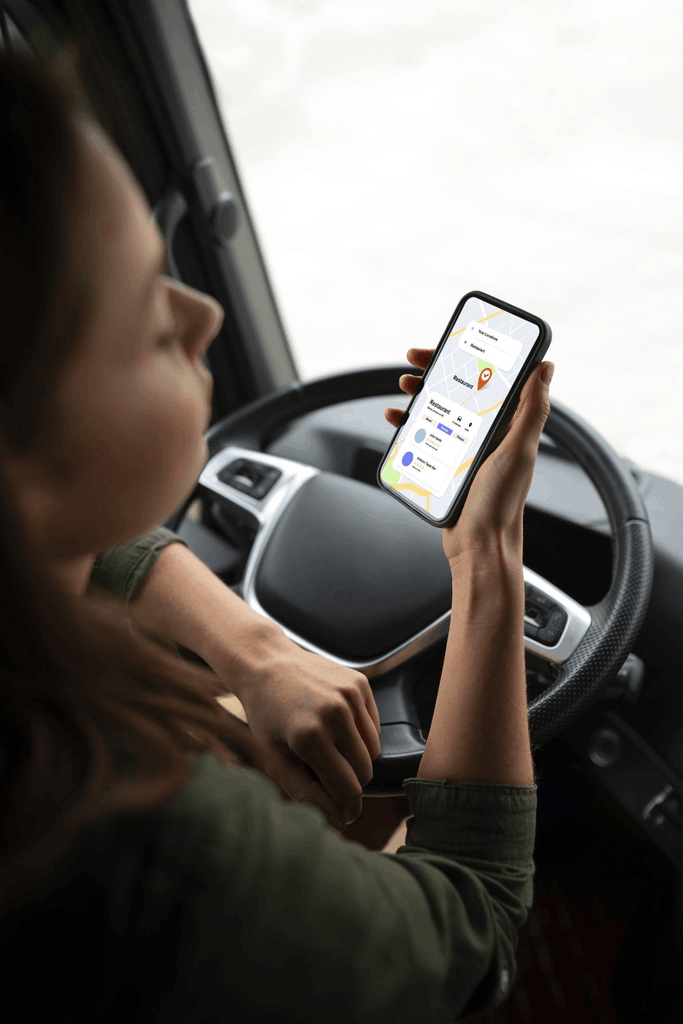
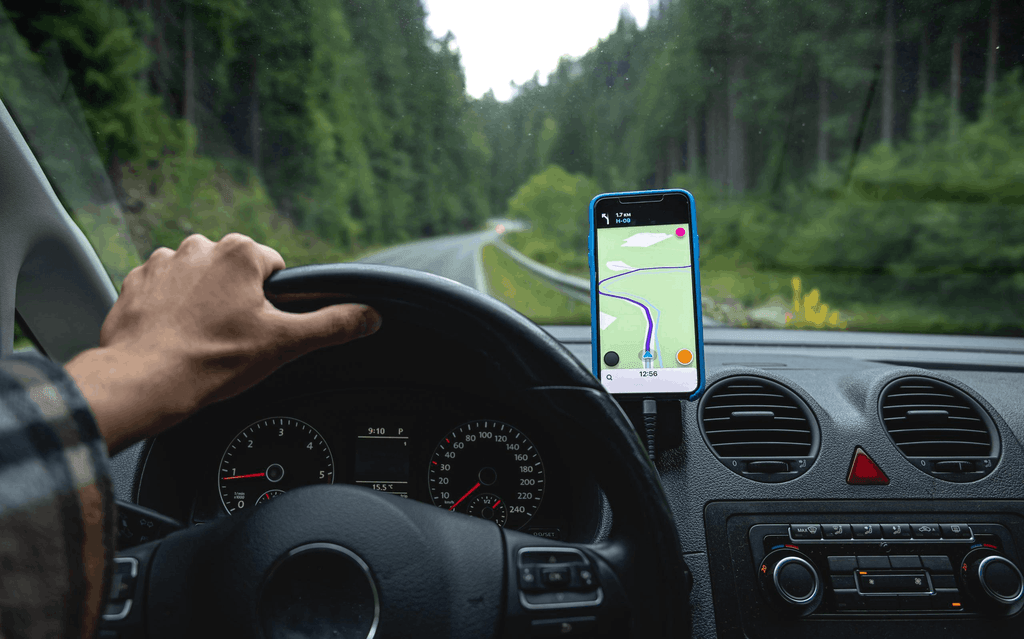
Navigation and Route
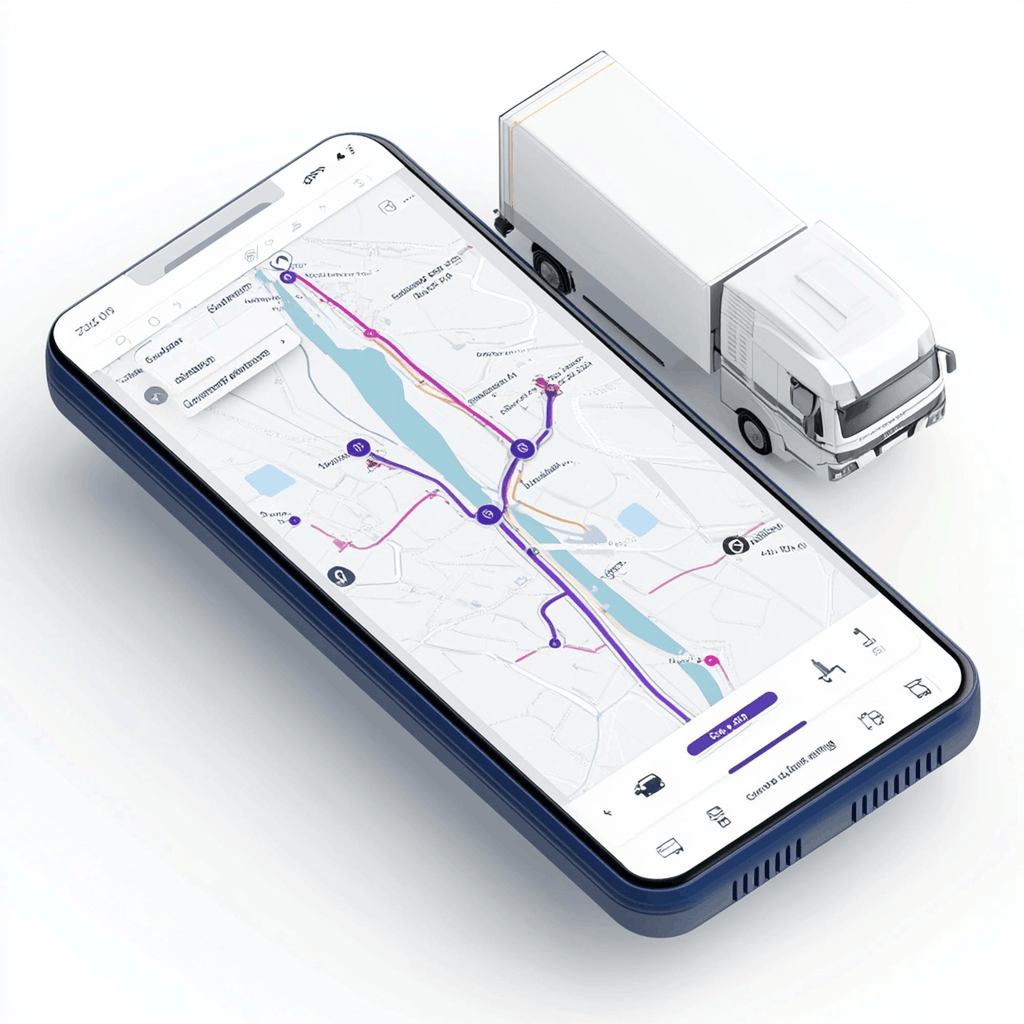
The day’s stops, in order, guided.
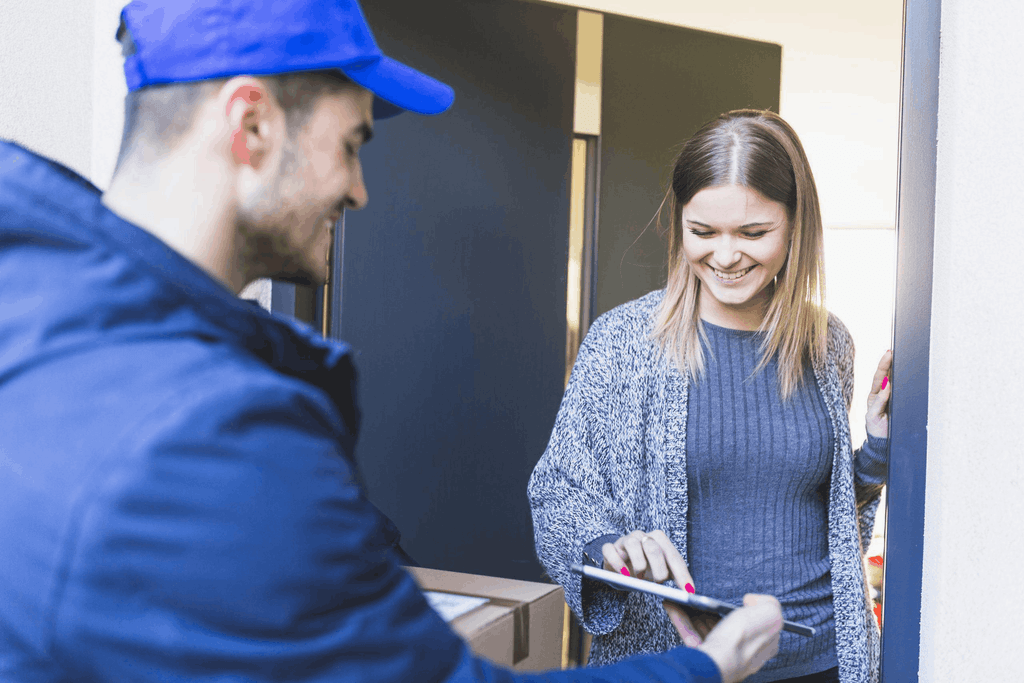
Proof at the Door
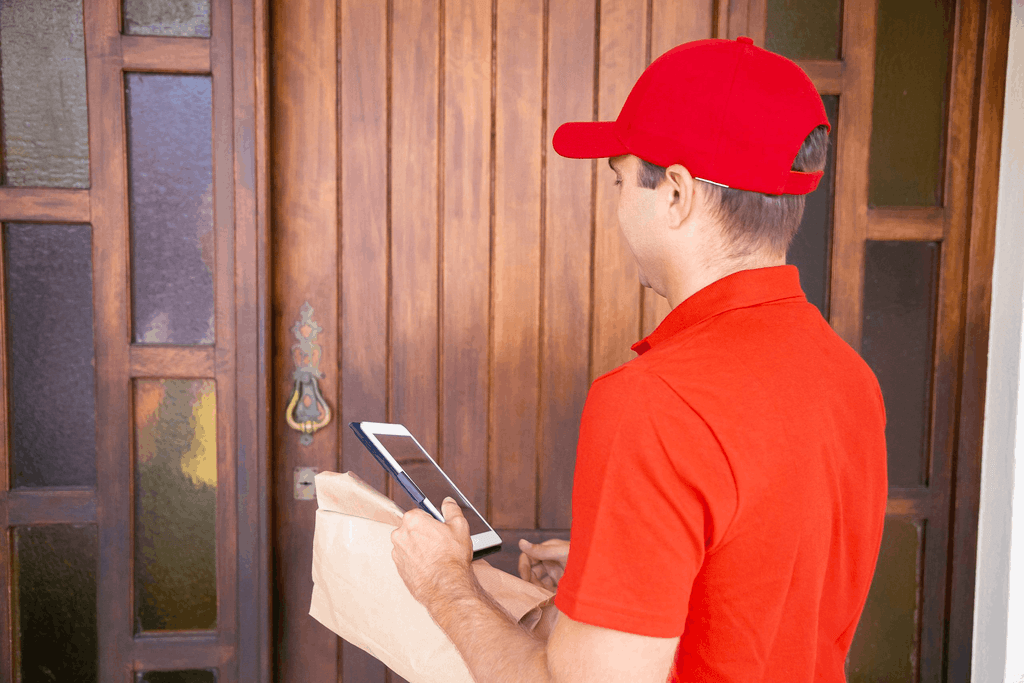
Signature, photos, timestamps, captured.
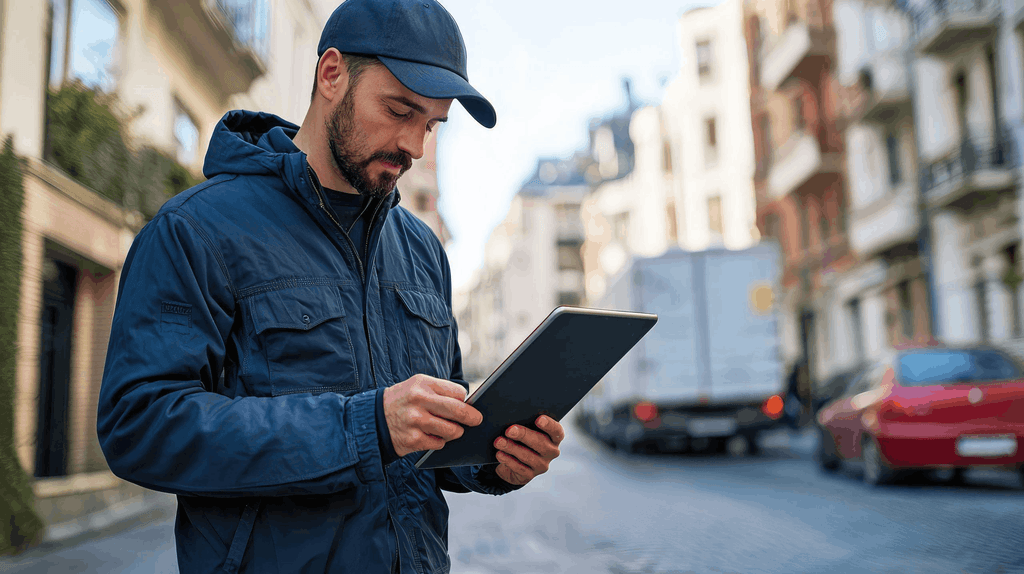
Forms and Protocols
The account’s requirements, step by step.
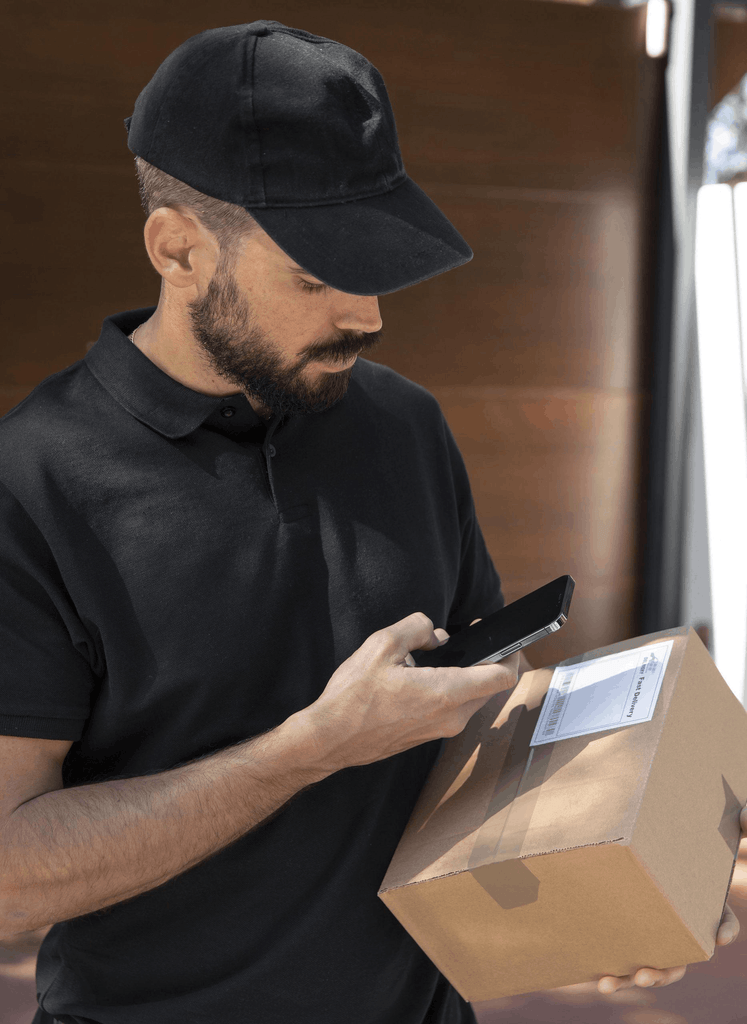
Exceptions Handled
Logged from the door, no call needed.
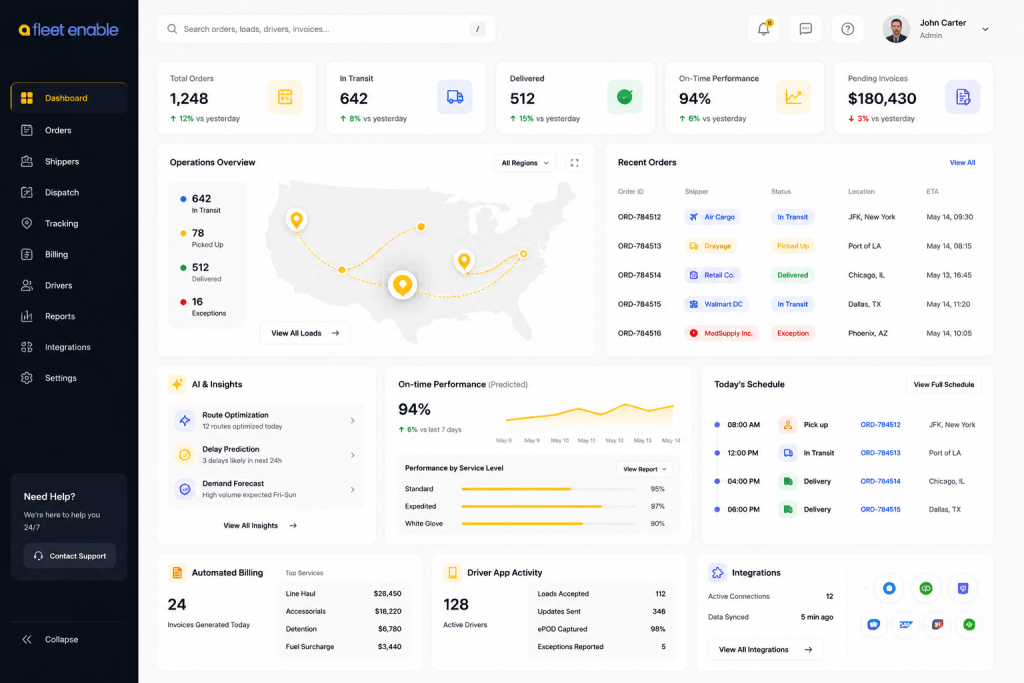
What the Driver Does, Dispatch Sees
Works With
Delivery Management
Executed at the door.
Route Optimization
The sequence the driver runs.
Document Management
Proof filed to the order.
Automated Billing
The invoice it triggers.
Frequently Asked Questions
What does the Fleet Enable driver app do?
It carries the driver's day: navigation and stop sequence, proof of delivery capture, any forms or protocols the account requires, and exception reporting, all in one app rather than several.
How long does it take to train a driver on it?
The app is built to be usable on a first shift without formal training, which matters in a workforce where turnover means training happens constantly rather than once.
Can drivers handle problems without calling dispatch?
Yes. A refusal, damage, or access issue is logged at the door with photos and reason, and routes to whoever resolves it, so the driver is not waiting on the phone for an answer.
Does the app work for two-person crews?
Yes. Crews assigned to a job work the same stop together, which is what white glove and heavy-goods deliveries require.
What proof does the app capture?
Signature, photographs, timestamps, and any account-specific forms, attached to the order as the stop closes and available to the office immediately.
Does the app need special hardware?
No. It runs on standard smartphones, so a driver can use a device they already know how to operate.